
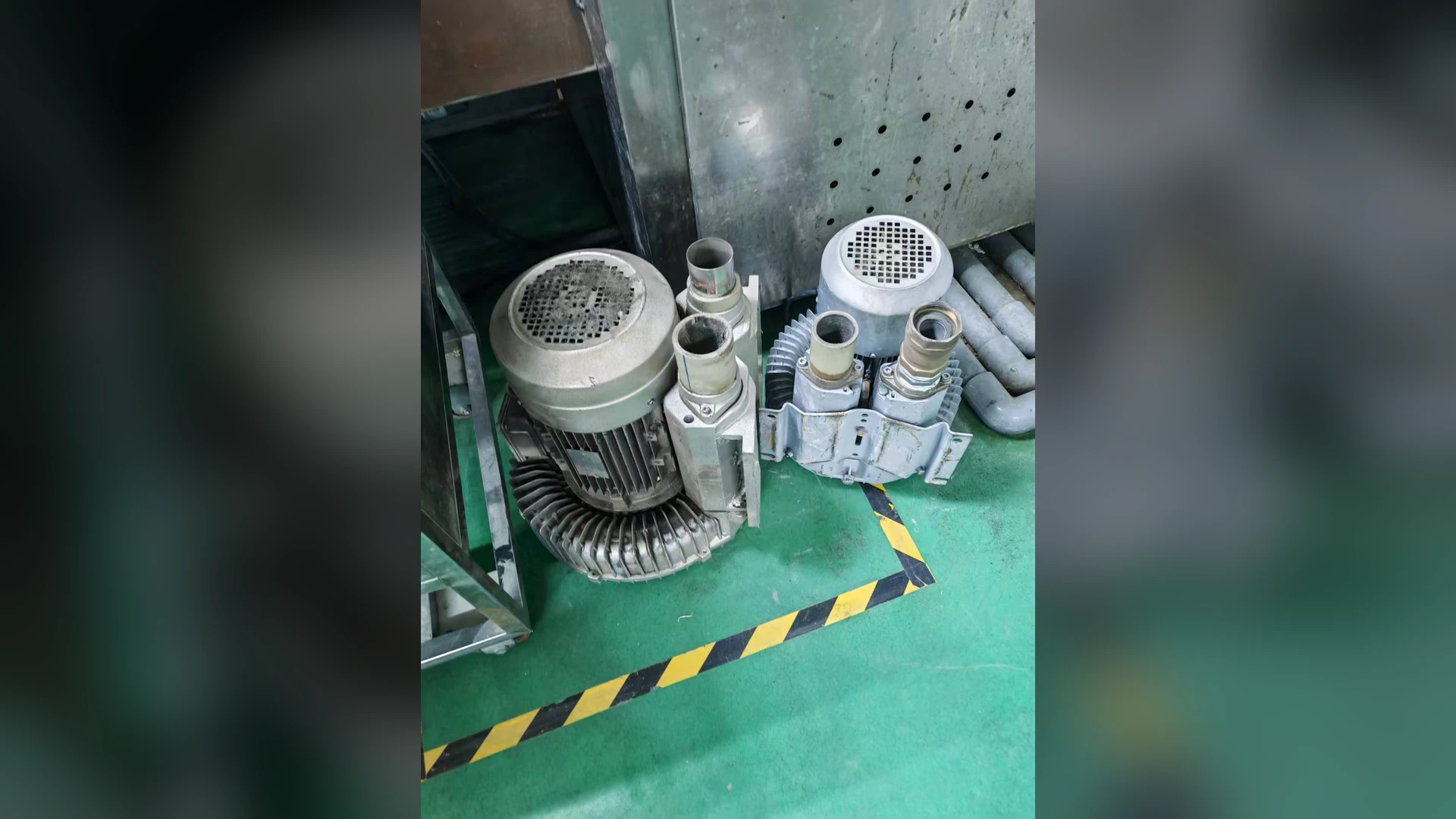
PCB cleaning lines move water through spray, rinse and drying stages. The blower supplying an air knife should be protected from liquid wash water reaching its inlet or air path. Moist air and liquid droplets are different conditions: a general humidity review cannot establish that a blower may ingest spray or pooled water. Towwind’s humidity guide explains this distinction.
Begin with a physical water-path survey. Record where spray is generated, which doors or covers are opened for cleaning, where water collects, how the blower inlet draws air, and whether any connected duct can drain toward the machine. Do this for production, shutdown and washdown states.
Check the inlet environment
An inlet close to a spray opening, floor drain or wet service area can draw mist or splashes. Inspect shields, access doors, filter condition and the route of any inlet duct. A wet or loaded filter may also change the operating point; filter inspection should be part of the routine. Do not assume that adding a filter makes liquid-water ingestion acceptable. Move the intake or redesign protection only after checking the supplier’s inlet and cooling requirements.
If the blower sits below the wet section, consider whether maintenance activities can direct water toward the motor, control wiring or intake. Splash protection and drainage belong to the installation design; the machine’s electrical protection must be checked against the actual site exposure.
Follow the discharge-side route during shutdown
Water can reach a blower through connected process ducting if a low point holds liquid, a wet enclosure drains toward the supply pipe or an air knife sits above a route that slopes back to the machine. Inspect the as-built pipe elevation, branch orientation and drain points. Ask what happens when the blower stops while the washer or spray remains active. A drawing that shows a dry horizontal pipe may miss a sagging flexible section in the installed machine.
Where the design uses drains, traps or isolation devices, verify their position, maintenance access and effect on air delivery. Do not add a restrictive component without recalculating pressure loss and checking the permitted blower operating range. The PCB air-knife drying stages explain where removed water should leave the process; this article follows the unwanted route back toward the air supply.
Respond to suspected water entry
Unusual liquid discharge, a suddenly wet filter, corrosion marks, changed sound or an electrical trip can justify a controlled shutdown and inspection. None alone proves that water entered the blower. Isolate power and follow the manufacturer’s service procedure; do not restart a potentially wet electrical or rotating assembly merely to see whether it clears. Preserve photos of the water path and note the line state when the symptom appeared.
Before selecting TW750, TW1500 or TW2000 for a PCB line, establish a dry, protected air path and then check required airflow and pressure. Send Towwind an as-built air-path sketch, inlet location and washdown sequence for application review.